WorkTrail
Find a meeting time. See every time zone at a glance.
A visual availability planner and independent desktop widgets for people working across cities.
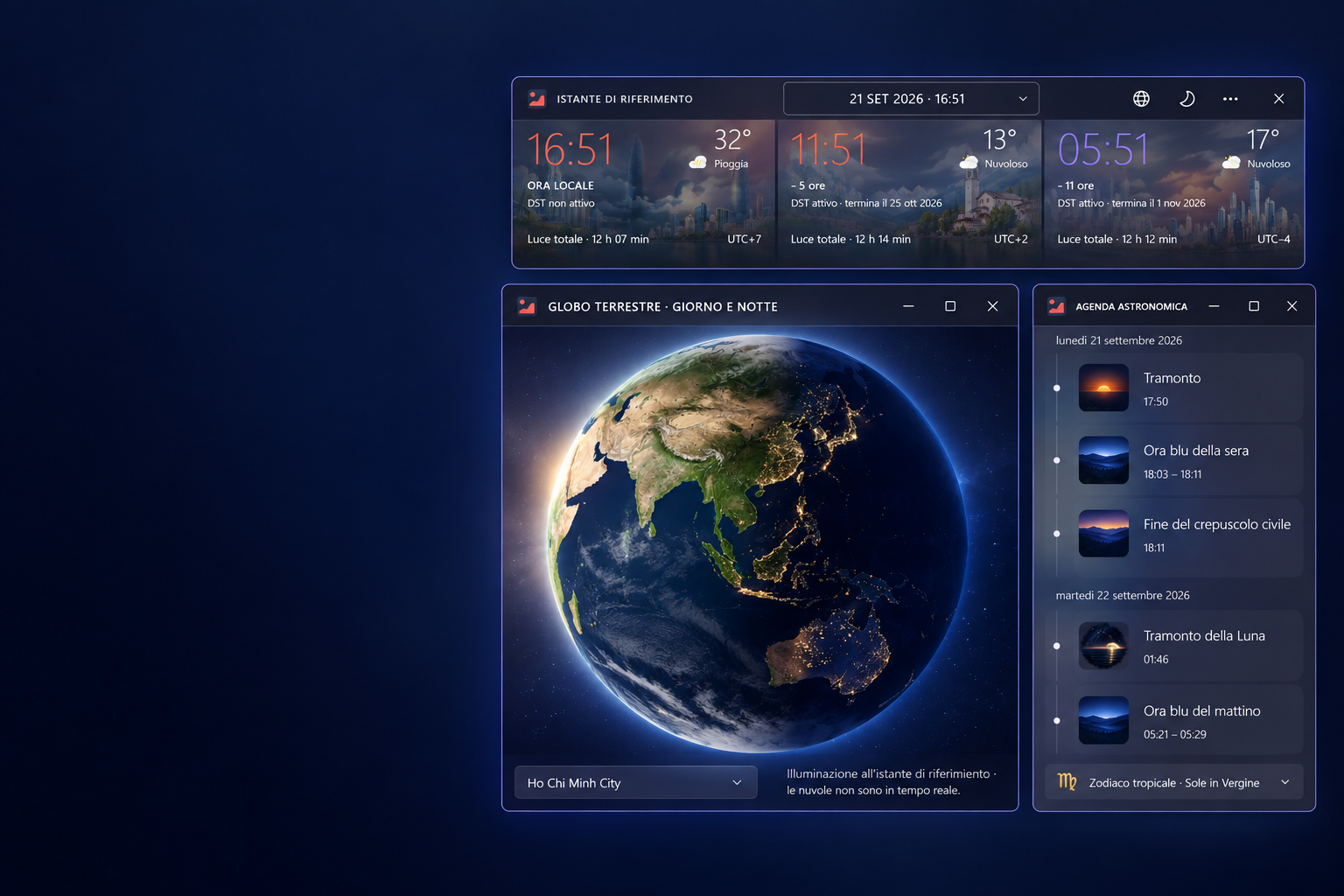
I work with people in different time zones. Converting one hour at a time does not show me where our working days overlap. I built WorkTrail around a visual grid so I can compare the same moment across cities and choose a time for a meeting or appointment at a glance.
Set your home city, select a date and scroll across five days. Compare local times, working hours, reserve margins, rest days, holidays and personal exceptions. Export the selected interval to PDF with selectable text and vector timetable cells.
Keep the planner, clocks and calendars open as independent desktop widgets. Windows remember their placement and snap beside one another or to screen edges. Optional OpenWeather observations, the Moon and sky views add local context.
The core is the availability grid. It helps you choose a meeting time; it does not create or synchronize events in an external calendar.
One shared timeline. Every city's local day.
- Compare the same instant across saved cities, including local dates and UTC offsets.
- Scroll through five days around the selected date, with 15-, 30- or 60-minute intervals and 16- or 24-hour views.
- Set working hours, reserve margins, weekly rest and personal exceptions. Missing holiday coverage stays visible.
- Export A4 landscape PDFs with selectable text, vector timetable cells and embedded city skyline artwork.
- Keep independent WinUI 3 widgets on your desktop, with saved positions, window snapping and a notification-area launcher.
- Configure and verify your OpenWeather key in Settings. Weather observations remain current even when you plan another date.
Portable ZIPs from source.
GitHub Releases use portable ZIPs for Windows 11 x64 and ARM64. Extract the complete archive and run WorkTrail.exe with its libraries and resources together. The next portable release is being prepared. Linux and macOS are source-only.