AgentInbox
Your emails, right inside your assistant.
An MCP plugin to find that specific email across all your inboxes: iCloud, Gmail, Microsoft, GoDaddy and other compatible providers, even multiple accounts with the same provider. Draft a reply, then send it when you ask. You decide what gets sent.
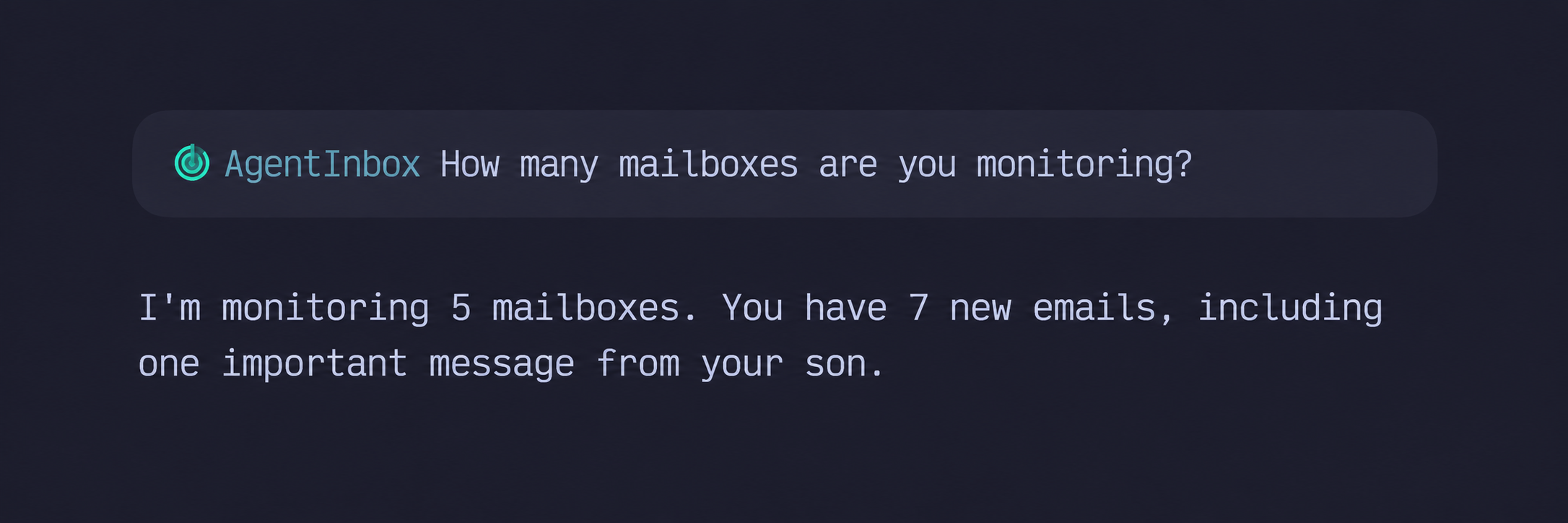
I wanted my AI assistant to work across all my mailboxes in one conversation. AgentInbox connects your personal, work and custom-domain accounts through one local MCP connection. Choose the accounts and folders your agent may use, then ask it to find messages across your mailboxes, read the results or send from the account you specify.
Many mailboxes. Dozens of folders.
Gmail, Microsoft, iCloud, GoDaddy and other providers that allow compatible IMAP or POP3 access. Connect 10, 15 or as many mailboxes as you need. Select up to twenty IMAP folders per account to work with dozens of folders from multiple mailboxes. POP3 exposes one INBOX per account.
Reading and sending permissions are separate for each account. Sending starts disabled. Enable it only where you want your assistant to send messages when you explicitly ask; submission is immediate, with no second AgentInbox confirmation window.
All your mailboxes, in three steps
- Connect your mailboxes: Gmail, Microsoft, iCloud, GoDaddy or another compatible IMAP/POP3 provider.
- Choose the accounts and IMAP folders your agent can use. Reading and sending stay under your control for each account.
- Ask across mailboxes and selected folders in one conversation. Your agent searches each account and folder in turn.
Connect existing mailboxes. Inspect the source.
Your mail stays with its providers. Windows 11 has an MSIX setup app for accounts, folders and permissions. The Python engine is open source; Linux and macOS are source-only. This connects existing mailboxes rather than importing message archives.