Thermalright VibeWare
Music and PC stats on your little screen.
Pick a look. Play a song. Let your screen join in.
Got a Thermalright Trofeo Vision LCD? Give it something fun to do. I made this free app to show your music, album covers and PC readings. Pick a theme and off you go.
This is an independent, unofficial project. I do not work for Thermalright and am not affiliated with or sponsored by Thermalright. Thermalright does not endorse this project. All trademarks and registered trademarks belong to their respective owners.
- Windows x64 / ARM64
- 30 themes
- MIT
Music from your apps
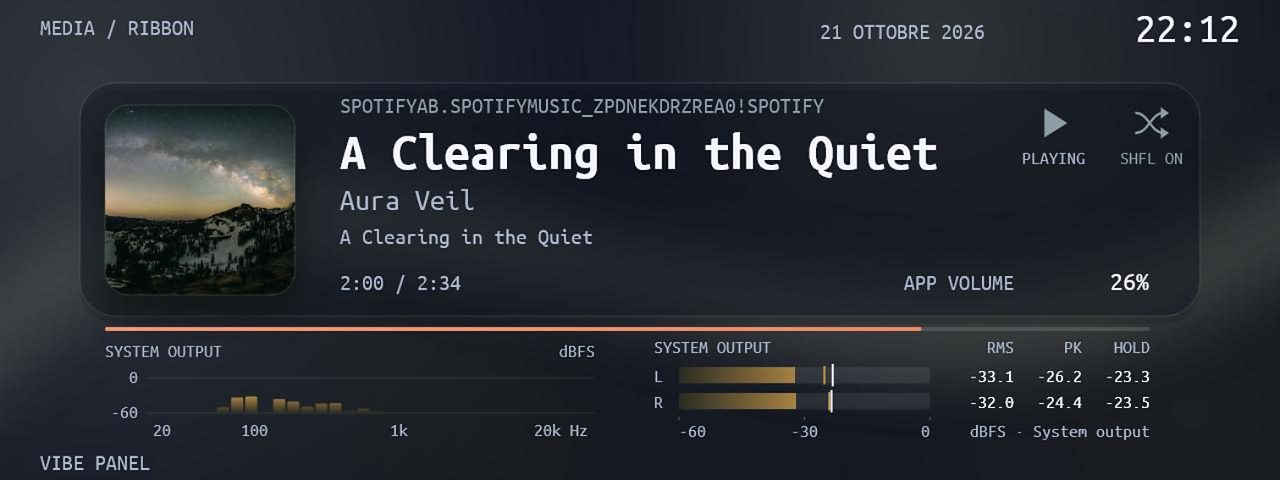
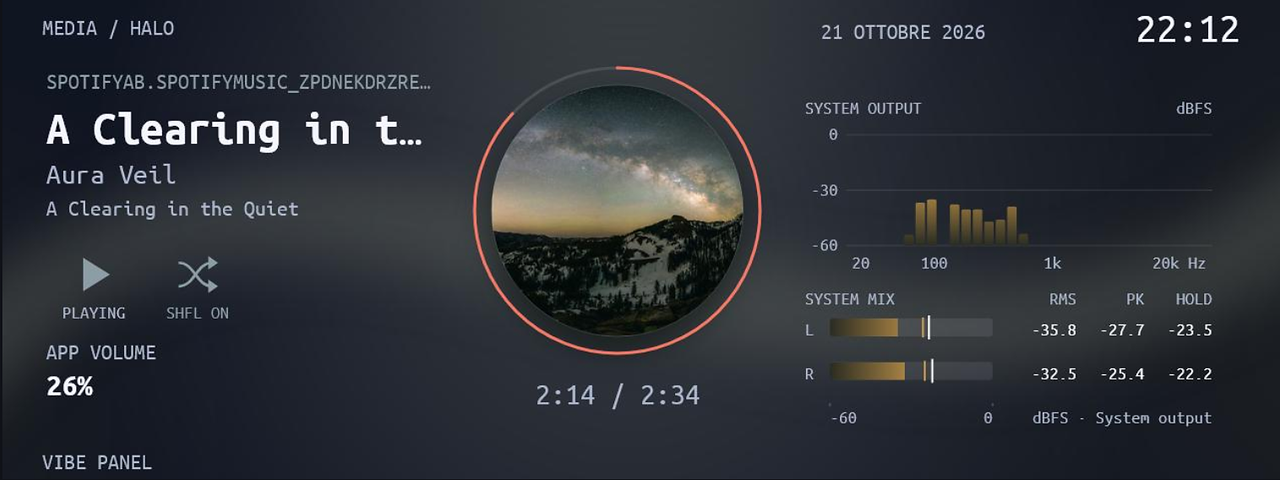
That’s Spotify in the screenshots. Other Windows players can share their music too. See the song, cover and progress, with bars that move to the real sound coming from your PC.
Your PC on the display
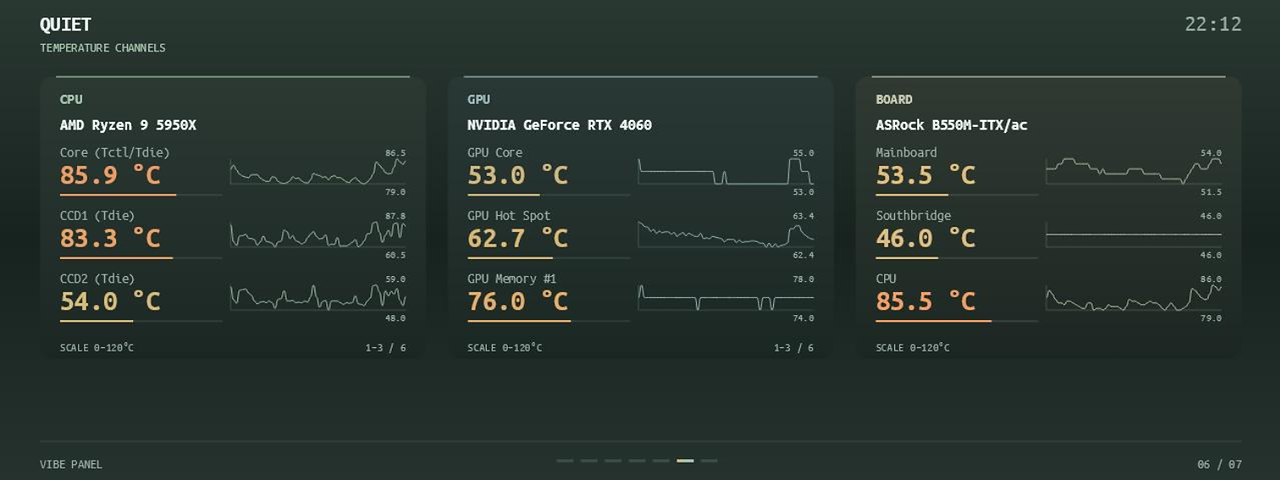
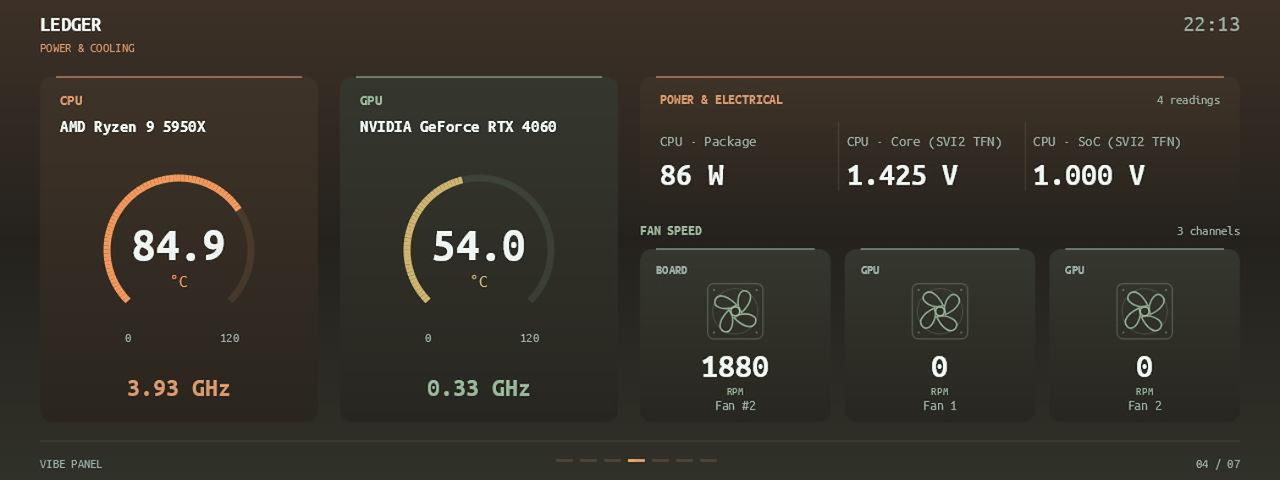
How hot is the PC? What are the fans doing? Each System theme has six pages for the processor, graphics card, memory, temperatures, power and fans. You can change what appears and when pages switch.
Make it your own
There are 30 Music, System and Codex themes to play with. Change hue, saturation, brightness and contrast — in plain words, the colors and how they look. Pick a refresh from 25 to 1,000 ms and one of four picture-quality levels. You can also let themes take turns every 20 seconds.
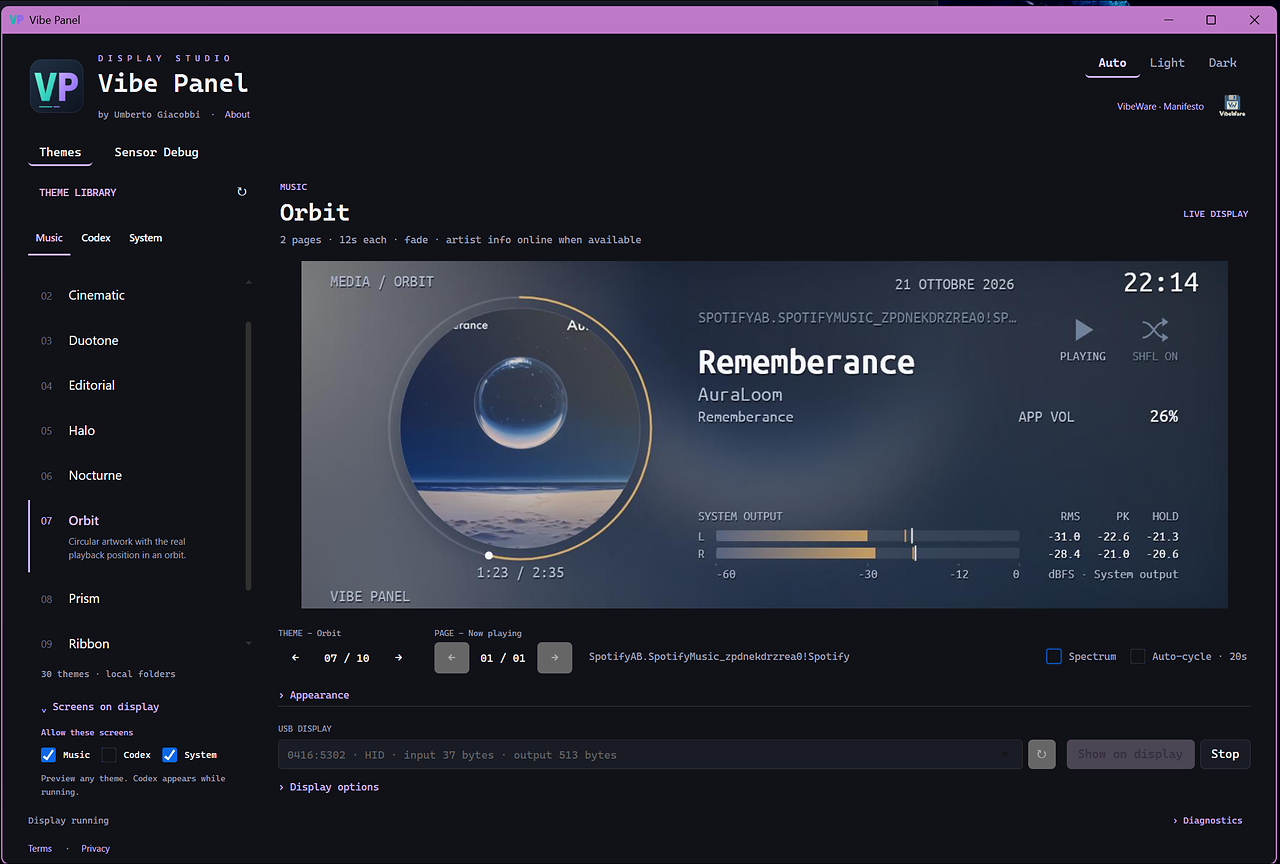
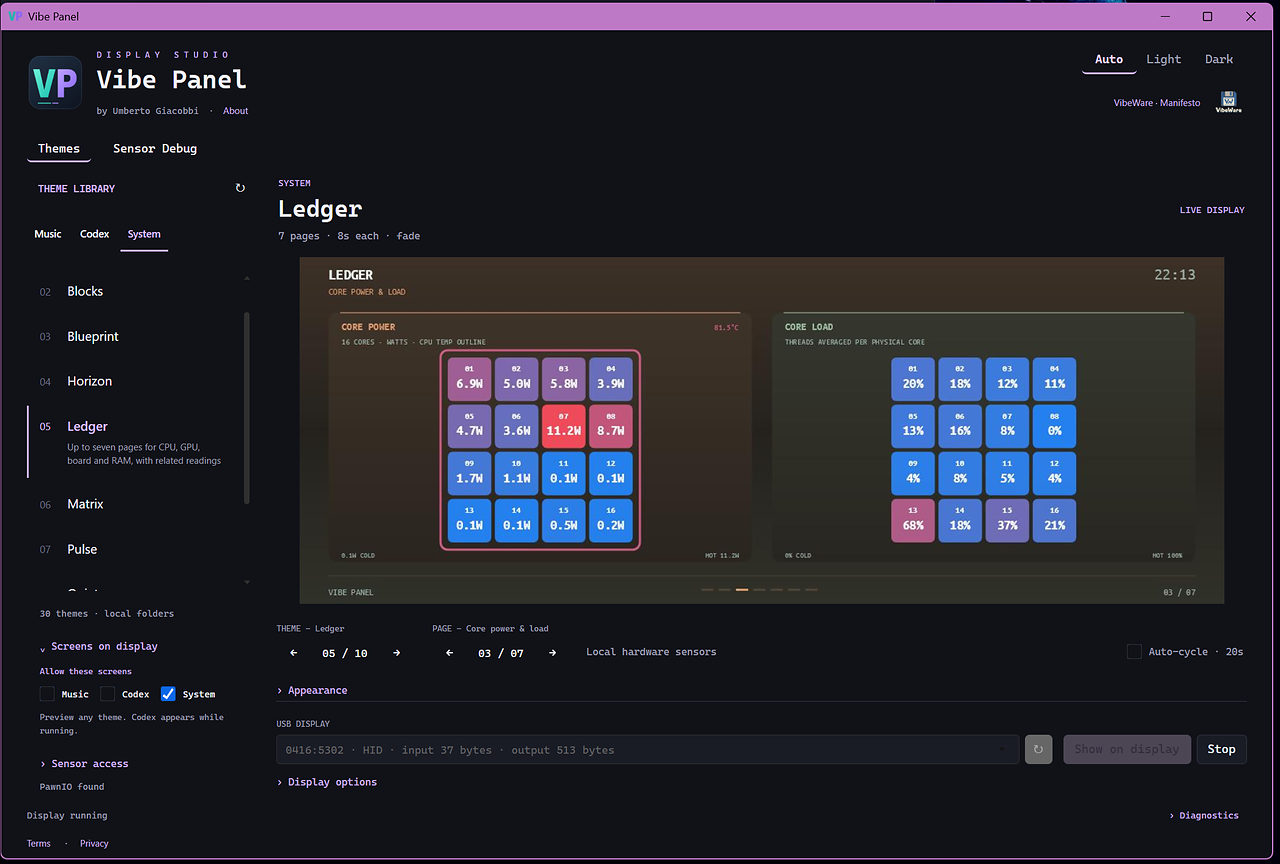
Real app captures, not AI-generated images. Captured before the rename.
A holiday project that grew legs
I’m Umberto. I wanted more fun from my little display, so I built this during a few days off. I learned from the community’s public work and used AI to help write the code.
A small app that runs on your PC
Every theme is a Python script. Python is a widely used programming language that is simple to read and learn. Each theme is a small app that runs on your PC: you can change its layout, charts, contents and behavior.
Less weight on your PC
I have tried to test as much as possible for memory use, disk space and security, and to make this app extremely light compared with the alternatives. I want your PC’s resources left for the things you care about.
Always a work in progress
I keep working to make it lighter and easier to change. Edit a theme’s Python files to make it your own, or use the studio’s controls without writing any code.
Themes run Python code on your computer. For now, download them only from the official repository.
Put it on the screen
- I choose the Windows x64 or ARM64 MSI for my computer, or extract the entire portable ZIP.
- I open ThermalrightVibeWare.exe and choose a theme and USB display.
- I press Show on display.
Volunteer guinea pigs welcome! 🐹
Fancy trying it on Linux or macOS? I would love to hear how it goes. This hobby project is provided as is, without any warranty.
Explore my code