UlanziDeck
All those clicks? Try a button.
Your apps, music and little shortcuts. Right under your fingers.
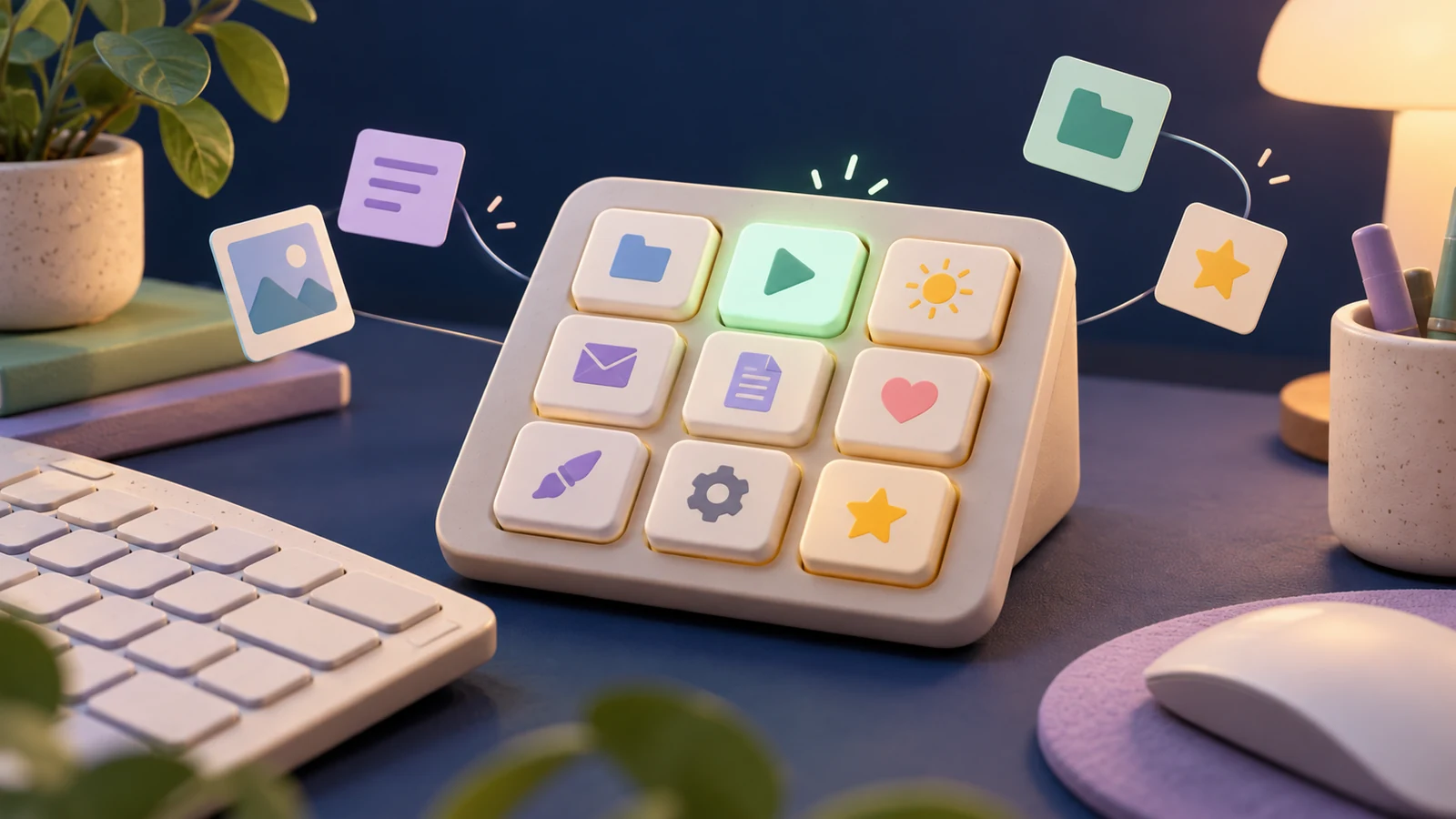
I made UlanziDeck for my Ulanzi D200H. Open an app, pause the music or use a favorite shortcut with a button. You choose what goes where.
This is an independent, unofficial project. I do not work for Ulanzi and am not affiliated with or sponsored by Ulanzi. Ulanzi does not endorse this project. All trademarks and registered trademarks belong to their respective owners.
- Ulanzi D200H
- Rust
- MIT
A closer look at my D200H
My dock and desk, with AI-retouched photos.
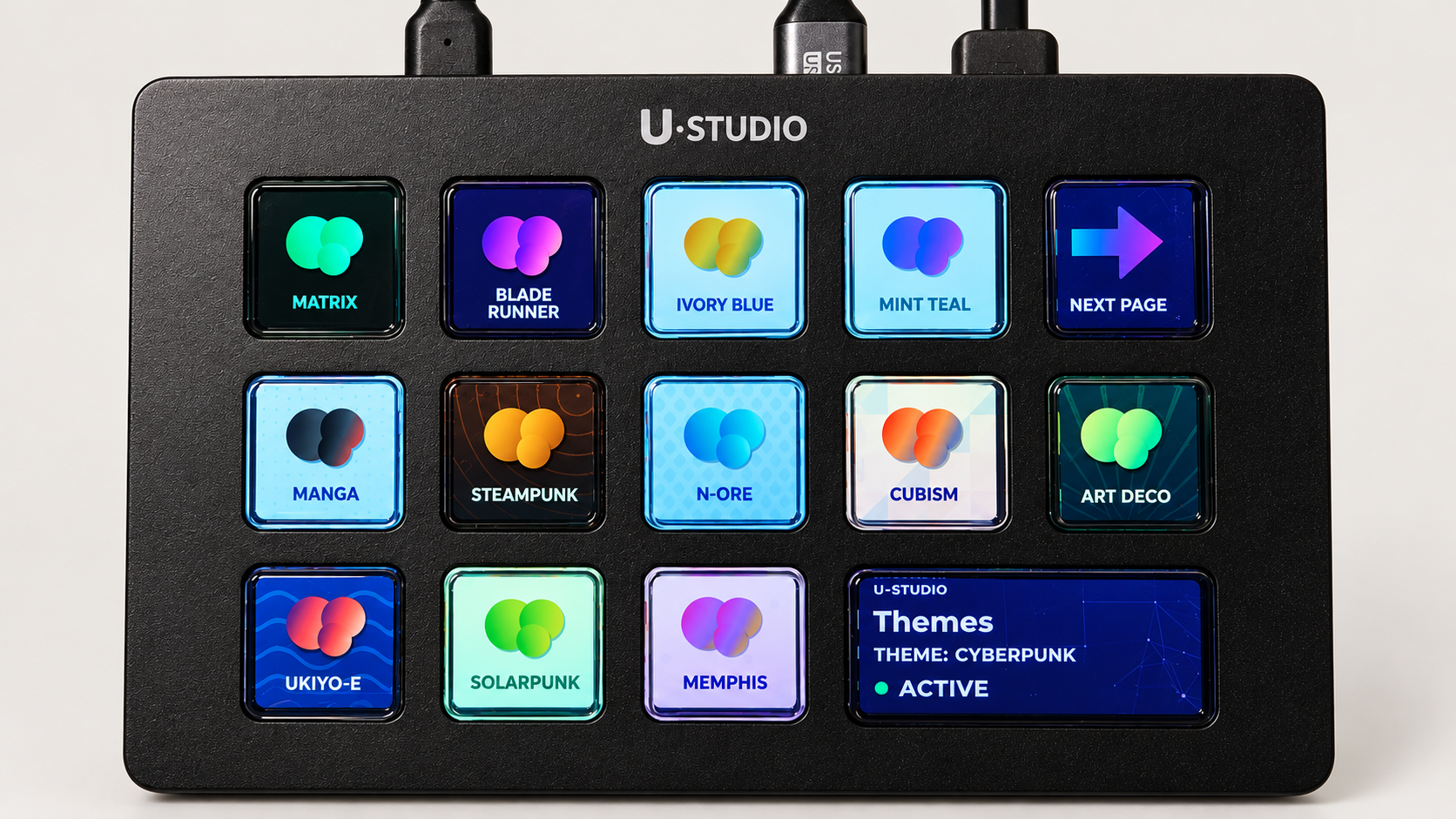
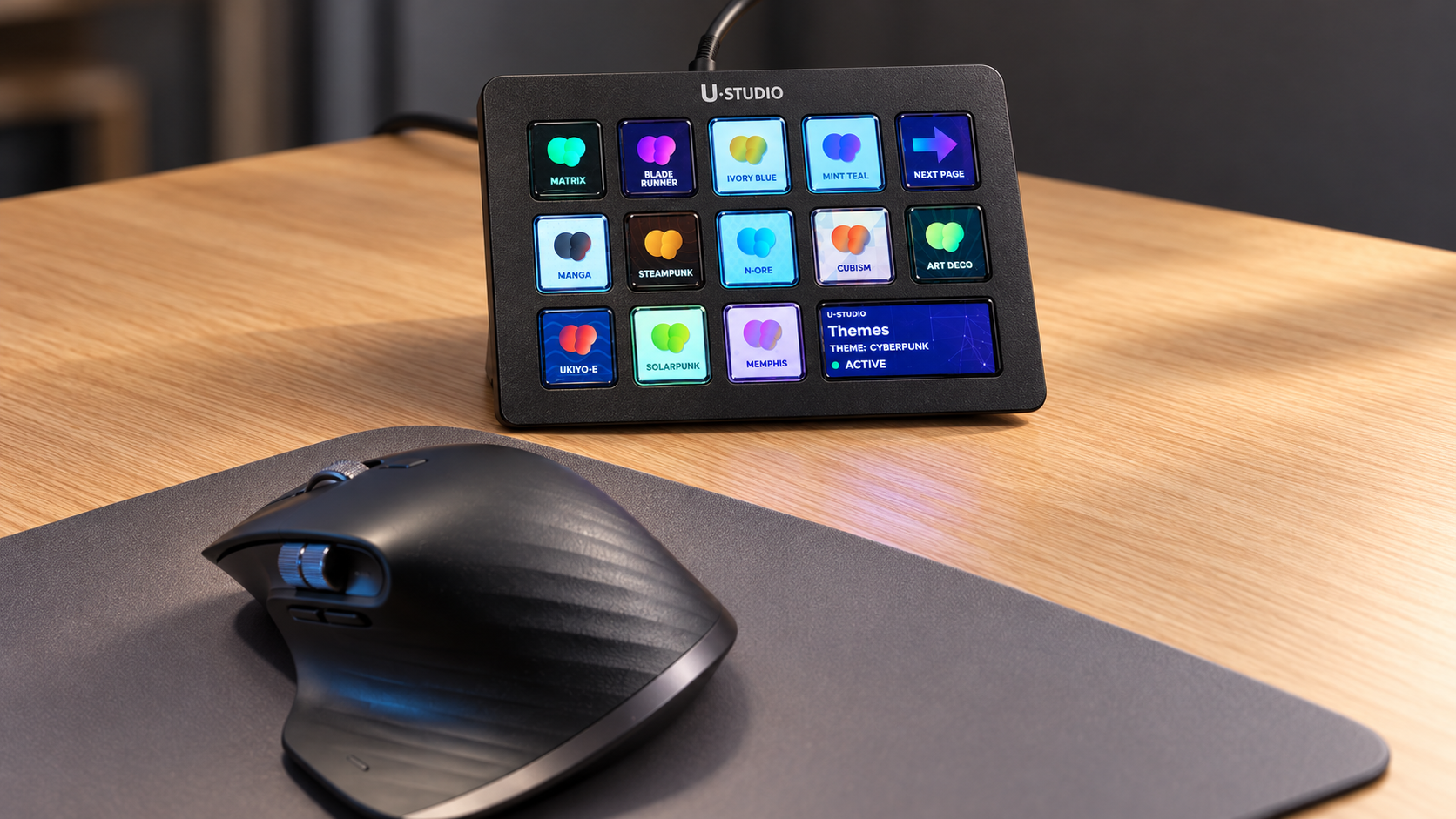
My D200H on my desk. These photos were enhanced with AI, as noted in the project README.
My desk needed fewer clicks
I bought a D200H and wanted to make it my own. My pictures, my buttons, my shortcuts. So I built this free, open-source controller.
Room for your favorites
Ten pages for apps, music and everyday shortcuts. Put the things you use most where your fingers can find them.
Buttons that follow along
On Windows, the buttons can change with the app you’re using. Buttons for another app dim when that app is out of focus.
Dress it your way
Pick from 13 themes. Change the pictures, shortcuts and pages. Your little desk gadget, your rules.
Plug in, pick, press
- Download the version for your computer and unzip the whole folder.
- On Windows, open ulanzi-dock-vibeware.exe and follow the welcome steps.
- Open Configure from the tray menu. Pick your pages and theme, save, then give a button a little poke.
Come have a play
I use it with my D200H on Windows. Curious about Linux or macOS? Volunteer guinea pigs are welcome! This hobby project comes as is, without a warranty.
Explore my code