Ram Taskman
RAM has a price. See who is using it.
As RAM gets more expensive, every gigabyte counts. Before buying more, find out where your memory is going.
Ram Taskman brings applications, processes and shared memory together. Start with the overview, find what takes up space and inspect the details.
Six languages. The same clarity. English · Italiano · Tiếng Việt · Français · 한국어 · 中文
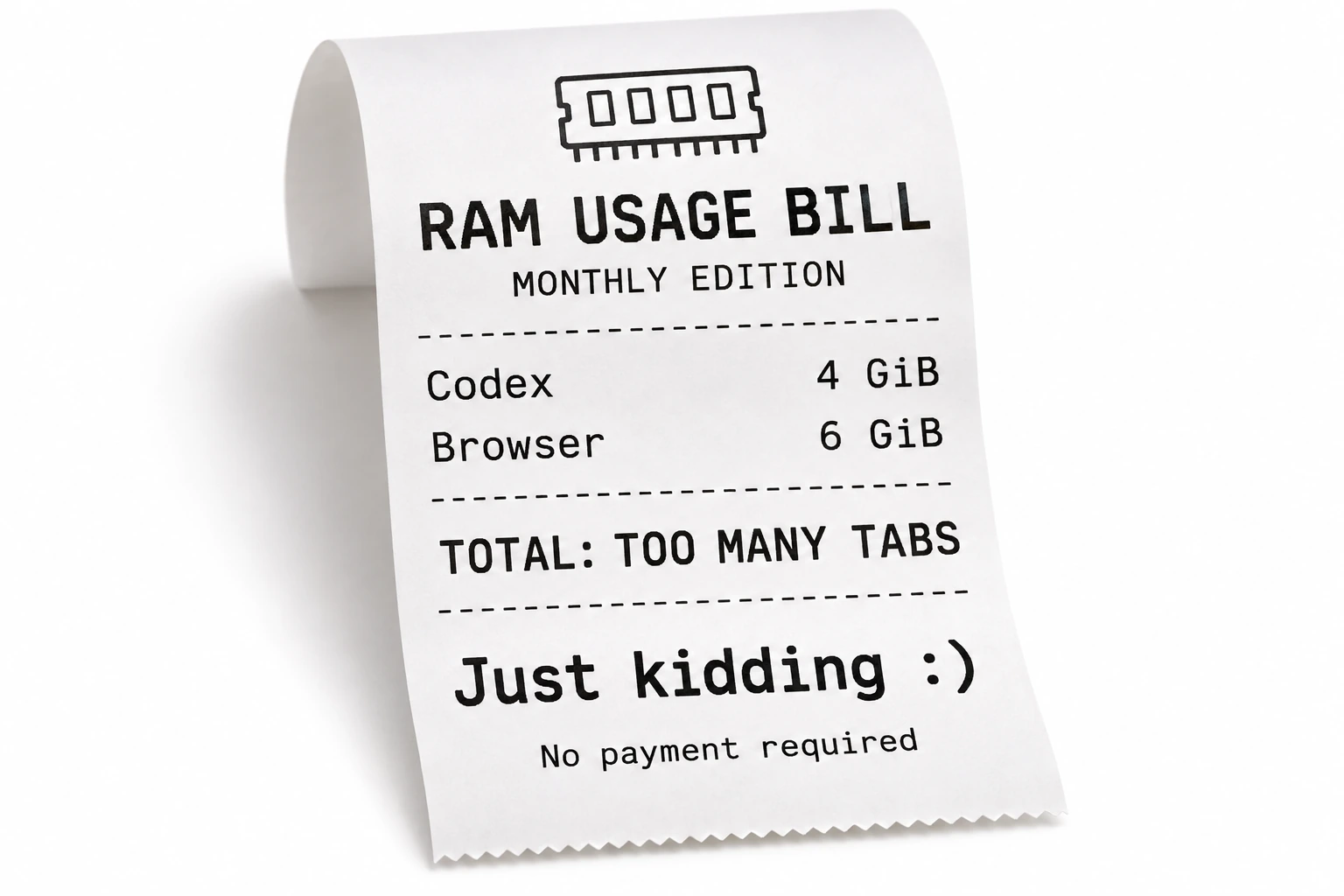
RAM usage bill 🧾
Relax, there is nothing to pay 😄
A receipt for all those apps taking a slice of your RAM. The bill is a joke; the occupied memory is real. Ram Taskman shows its hardware value and lets you allocate it over a period you choose.
Side effects: you may start giving background apps suspicious looks. 👀
How much RAM. How much value.
Put a value on the memory your apps occupy. Enter the current price of a kit equivalent to your installed RAM and an app reading. This allocates hardware value, not a monthly fee or guaranteed saving.
Use PSS where available to apportion shared memory. Do not add app and system RSS: shared pages may be counted twice. Inputs are yours, not browser measurements. Prices do not update automatically.
I wanted to understand memory use across my applications and operating systems. Ram Taskman brings system RAM, application groups, individual processes and memory history into one terminal interface.
From a daily question to a terminal tool
I can start with a compact overview, open the details of an application, or compare two saved captures to see what changed. Saved captures also open offline. When a measurement cannot be read, the tool shows n/a.
Applications and processes
Find the applications using memory, then inspect their individual processes. Search and sort the available readings. Applications are grouped using best-effort rules, so some groups may need closer inspection.
Used and shared memory
Compare resident memory (RSS) and private memory (USS). Linux also provides proportional shared-memory accounting (PSS) and per-process swap where readable. RSS can count shared pages more than once.
Captures and memory regions
Compare two captures and reopen them offline. Explore Linux memory mappings without reading their contents. The Windows virtual-region view is experimental.
Thank you, Scott Hanselman
Thank you to Scott Hanselman for GPU Taskman and the inspiration. Ram Taskman reuses parts of its terminal interface and adapts them to RAM monitoring. This is an independent project; the original MIT license and the details of the reused code are preserved.